
Build Your Dream Website! Step-by-Step Guide for Seniors (No Coding Needed!) Want to share your stories or photos online but overwhelmed by website building? Our beginner-friendly guide walks you through creating a website from scratch, with NO CODING required…
Weaving Your Stories into the Web: Building a Website You Can Be Proud Of
Remember those shoeboxes overflowing with cherished photos and keepsakes? Or maybe it’s the handwritten journals filled with your life’s experiences. Wouldn’t it be amazing to share these treasures with loved ones, no matter the distance? Imagine a vibrant online space, a digital haven where your stories, photos, and passions come alive. Building a website can be your key to unlocking this exciting possibility!

We understand that venturing into the world of website building might seem daunting, especially for seniors who haven’t grown up with technology. But fear not! This guide is designed specifically for you, with clear, step-by-step instructions that require absolutely no coding knowledge.
Here’s the beauty of having your own website:
- Connect with loved ones: Share precious memories and photos with family and friends scattered across the globe.
- Embrace new communities: Discover online groups and forums dedicated to your passions, fostering a sense of connection and belonging.
- Showcase your talents: Are you a whiz at knitting? Do you capture breathtaking nature photography? A website allows you to proudly display your skills and experiences for the world to see.
- Leave a lasting legacy: Create a digital treasure trove for future generations, preserving your stories and memories for years to come.
Forget the anxieties about technical jargon or expensive costs. Building a website can be a fun and rewarding experience, a testament to your creativity and a delightful way to share your unique perspective with the world. So, grab a cup of tea, settle in comfortably, and let’s embark on this exciting journey together!
Demystifying Website Building: Key Concepts Explained Simply
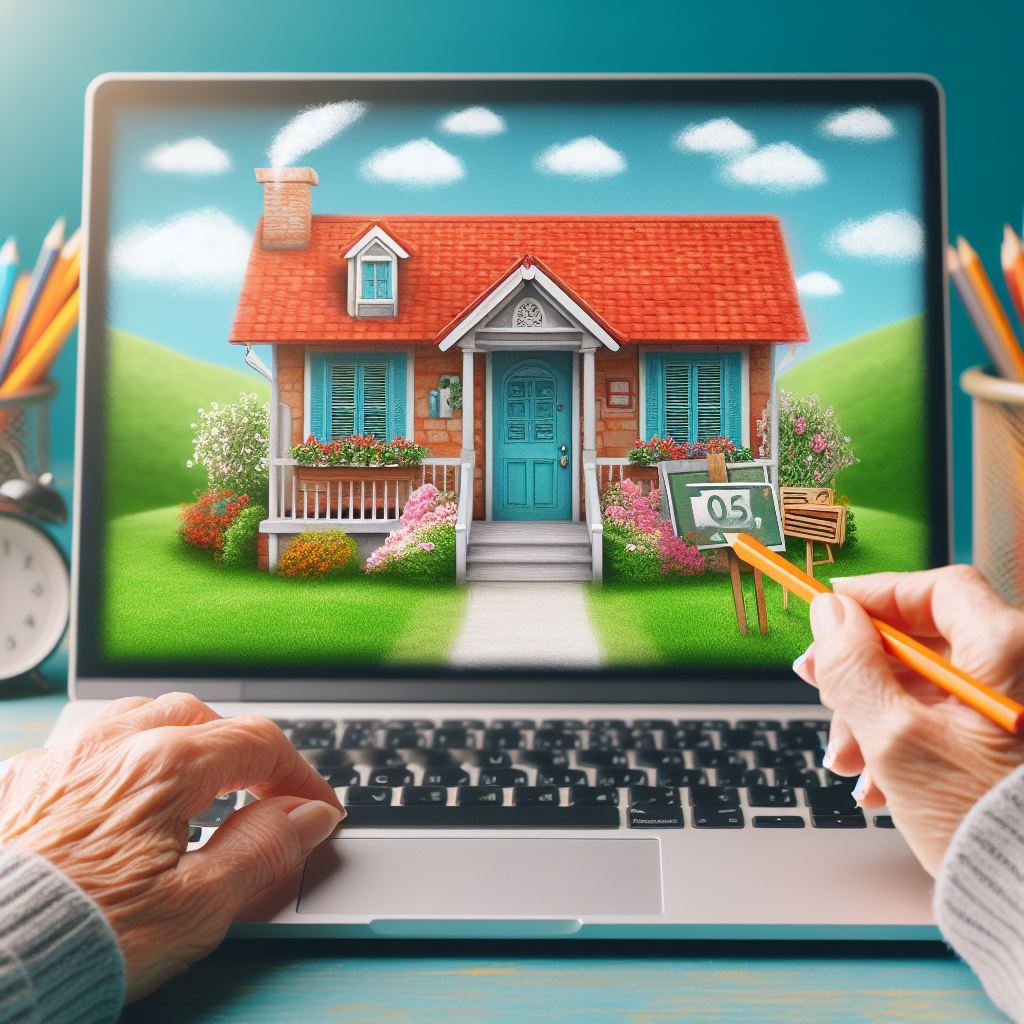
Imagine your website as a charming little cottage on the internet. Before you dive into decorating and personalizing it, let’s break down the essential building blocks that make it all work together. Just like a house needs a foundation and an address, a website has its own unique components:
Domain Name: Your Website’s Address on the Web
Think of your domain name as your website’s unique address on the internet, similar to your home address in the real world. Anyone who wants to visit your website will type this address (also called a URL) into their web browser.
Choosing a memorable domain name is important! Here are some tips to consider:
- Keep it short and sweet: Aim for a name that’s easy to remember and spell.
- Reflect your interests: If your website is about your love for birdwatching, consider a domain name like [invalid URL birdwatching enthusiast ON example.com]
- Use your own name: A simple and straightforward option is using your own name, like [invalid URL john smith ON example.com].
Website Hosting: Renting Space Online for Your Website’s Content
Just like your charming cottage needs a physical location to stand on, your website needs space online to store its content (text, images, videos, etc.). This space is provided by a website hosting service.
Think of website hosting as renting a piece of virtual land on the internet. Most website builders we’ll discuss include website hosting in their plans, so you don’t need to worry about this technical aspect in the beginning.
Website Builder: Your User-Friendly Guide to Building a Website (No Coding Required!)
Here’s the exciting part! Website builders are user-friendly platforms that allow you to create a website without needing any coding knowledge. Imagine them like pre-made building blocks for your website, complete with drag-and-drop functionality for easy customization.
These website builders offer a variety of features to help you design and manage your website, including:
- Beautiful Templates: Choose from a wide selection of pre-designed layouts that cater to different purposes (personal website, photo gallery, blog, etc.).
- Drag-and-Drop Editing: Easily add and arrange text, images, and other elements on your website pages using your mouse.
- WYSIWYG Editors: See exactly how your website will look to visitors with a “What You See Is What You Get” editing interface.
- Customer Support: Most website builders offer helpful tutorials and customer support to answer any questions you might have along the way.
Website Template: Choosing a Starting Point for Your Website’s Design
Website templates are like pre-designed blueprints for your website. They provide a foundation with a layout, color scheme, and fonts that you can customize to fit your style.
Think of it like choosing a floor plan for your cottage. Do you prefer a cozy one-bedroom layout or a spacious one with multiple rooms? Website templates offer a variety of options to suit your needs.
The beauty lies in the customization! You can change the colors, fonts, and images within the template to create a website that reflects your unique personality.
By understanding these key concepts, you’ve taken the first step towards building your very own website. In the next section, we’ll explore how to choose the right website builder and domain name to kickstart your online journey!
Choosing the Right Tools: Website Builder & Domain Name
Now that we’ve unpacked the building blocks of a website, it’s time to pick the perfect tools to bring your online vision to life! The two essential choices you’ll make are selecting a website builder and securing a memorable domain name.
Selecting the Right Website Builder: Your User-Friendly Partner in Website Creation
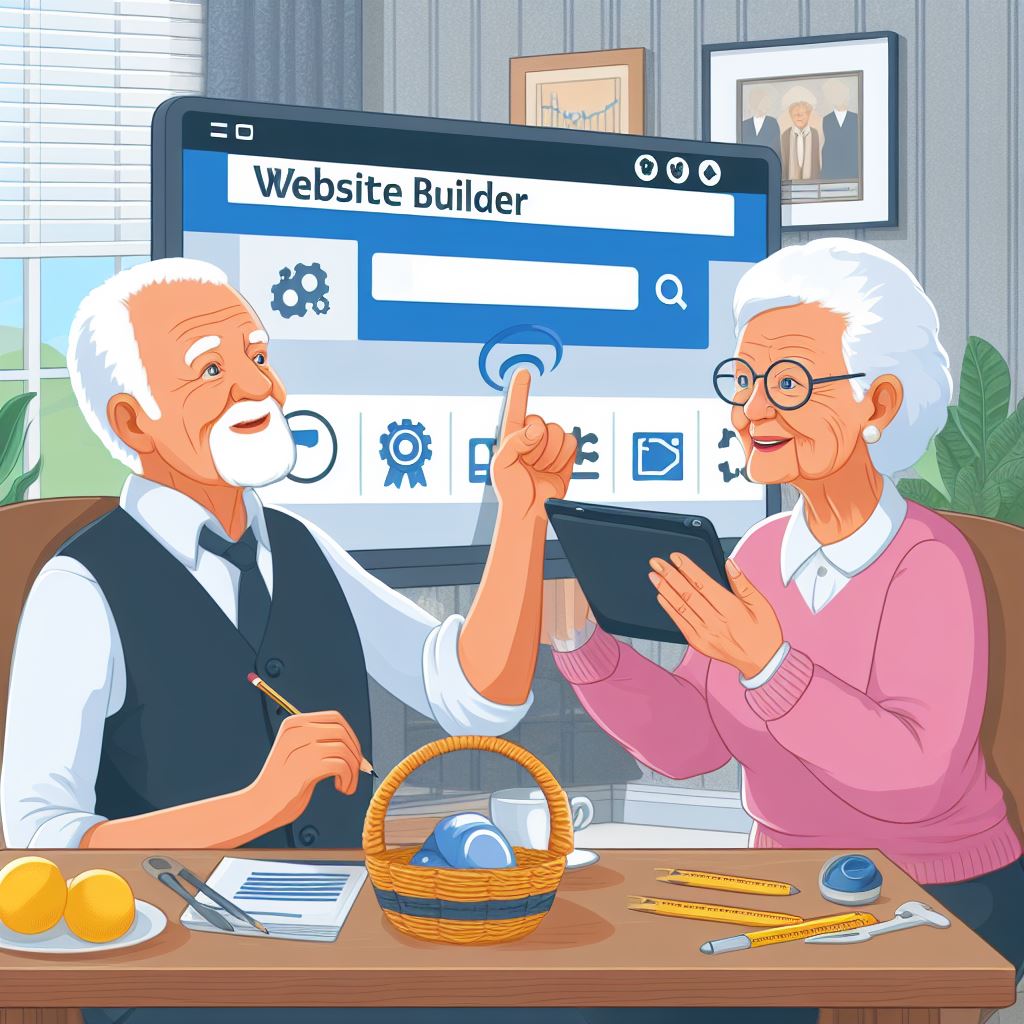
Website builders come in all shapes and sizes, but some cater specifically to seniors who might be new to website creation. Here are some popular options known for their user-friendly interfaces and senior-friendly features:
- WordPress.com: While the website builders mentioned above offer a user-friendly, drag-and-drop approach, WordPress.com deserves a mention as a powerful website building platform. It boasts a vast library of plugins and themes, allowing for extensive customization and functionality. However, WordPress.com might have a slightly steeper learning curve compared to the other options. If you’re comfortable with a bit more technical exploration and desire a high degree of control over your website, WordPress.com is a great platform to explore. Keep in mind that free plans on WordPress.com limit customization options and display ads on your website. Upgrading to a paid plan provides greater control and removes ads.
- Wix: Renowned for its intuitive drag-and-drop interface and vast collection of beautiful website templates. Wix offers a generous free plan to test the waters, but for full functionality, upgrading to a paid plan is recommended.
- Squarespace: Squarespace is another excellent choice, known for its clean and modern website templates. It boasts a user-friendly interface with helpful video tutorials and excellent customer support. Squarespace plans typically include a free domain name for the first year.
- Weebly: Weebly offers a straightforward website builder with a simple interface and clear instructions. It’s a solid option for those who prefer a no-frills approach to website creation. Weebly also provides helpful customer support resources.
These website builders share some key features that make them ideal for seniors:
- Drag-and-Drop Editing: Easily add, remove, and rearrange elements on your website pages using your mouse, no coding required!
- Large Text & Buttons: Many senior-friendly website builders offer the option to adjust text size and button sizes for better readability.
- WYSIWYG Editing: See exactly how your website will look to visitors with a “What You See Is What You Get” editing interface. This ensures your website design remains consistent throughout.
- Customer Support: Most website builders offer helpful tutorials, knowledge bases, and customer support options to answer any questions you might have during the website creation process.
Remember: When choosing a website builder, consider factors like the features you need, the ease of use, and the overall pricing structure. Many website builders offer free trials or money-back guarantees, so don’t hesitate to explore a few options before making your decision.
2. Crafting Your Website’s Identity: Selecting a Memorable Domain Name
Your domain name is your website’s unique address on the internet, and choosing the right one can make a big difference. Here are some tips to pick a domain name that’s memorable and reflects your website’s purpose:
- Keep it Short & Sweet: Aim for a domain name that’s easy to remember and spell. Long, complex names can be difficult for visitors to type in and remember.
- Reflect Your Interests: Is your website dedicated to your love for gardening? Consider a domain name like [invalid URL gardening enthusiast senior ON example.com].
- Use Keywords: Including relevant keywords in your domain name can help people find your website through search engines. For example, a website showcasing your photography skills might benefit from a domain name like [invalid URL johns photography ON example.com].
- Brand Yourself: If you want to establish a personal brand online, consider using your own name as your domain name (e.g., [invalid URL john smith ON example.com]).
Pro Tip: Use a domain name registrar to check if your desired domain name is available. Many website builders also include a domain name search tool during the signup process.
Bonus Tip: While free website builders exist, they often come with limitations like displaying ads on your website and restricting customization options. Additionally, switching from a free plan to a paid plan later can be challenging. For a truly personalized and professional website experience, consider investing in a paid website builder plan with a custom domain name.
By following these tips and exploring the features offered by different website builders, you’ll be well on your way to selecting the perfect tools to build your dream website!
Building Your Website Step-by-Step (with Visual Aids)
The moment you’ve been waiting for! Now that you’ve chosen your website builder and secured your domain name, let’s dive into the exciting process of building your website step-by-step. Remember, most website builders offer user-friendly interfaces with clear instructions, so don’t hesitate to explore and experiment as you go.

Signing Up & Choosing a Plan (Let’s Get Started!)
The first step is signing up for your chosen website builder. The process typically involves creating an account with a username and password. Most website builders offer a variety of plans with different features and storage capacities. Here’s a breakdown of what to consider when choosing a plan:
Free vs. Paid Plans: Many website builders offer free plans to get you started. However, these plans often come with limitations like displaying ads on your website, restricting customization options, and limiting storage space for photos and videos. For a truly personalized and professional website experience, consider upgrading to a paid plan.
Features: Different plans offer varying features, such as the ability to connect a custom domain name, access to additional website templates, and increased storage space. Choose a plan that caters to your website’s needs and budget.
Here’s a visual aid to help you understand the signup process (insert screenshot of a website builder signup page with clear annotations).
Once you’ve signed up and chosen a plan, you’re ready to explore the exciting world of website building!
Selecting a Template: Finding the Perfect Canvas for Your Website
Website builders offer a vast array of pre-designed templates that act as the foundation for your website’s design. Think of them like choosing a beautiful canvas for your artistic expression. Here are some tips for selecting the perfect template:
Consider Your Website’s Purpose: Are you creating a personal website to share your hobbies and interests? Or perhaps a photo gallery to showcase your photography skills? Many website builders categorize templates by purpose (personal, photography, blog, etc.) to help you find the right fit.
Explore Different Styles: Browse through the template library and experiment with different layouts and color schemes. Choose a template that resonates with your personal style and complements the content you plan to include.
Don’t Be Afraid to Customize: The beauty of website builders lies in their customization capabilities. While the template provides a starting point, you can change the colors, fonts, and even rearrange elements to create a website that truly reflects your unique personality.
Here’s a visual aid showcasing a website builder’s template library with various categories and design options (insert screenshot of a website builder template library with clear annotations).
With a website builder by your side and a captivating template chosen, you’re well on your way to building a website you can be proud of! Stay tuned for the next section, where we’ll delve into the exciting process of building and customizing your website pages.
Publishing Your Website & Sharing It with the World: Spreading Your Digital Magic!
Congratulations! You’ve built a beautiful website, a digital haven filled with your stories, photos, and passions. Now it’s time to share your creation with the world and unleash the magic! Publishing your website is a simple process offered by most website builders.

Making Your Website Live: Hitting the Publish Button!
Once you’re happy with the design and content of your website, it’s time to publish it and make it live on the internet. This process typically involves clicking a “Publish” button within your website builder’s interface. Here’s a breakdown of what publishing entails:
- Going Live: Publishing your website makes it accessible to anyone with an internet connection. They can simply type your website’s unique address (domain name) into their web browser to visit your online space.
- Website Maintenance: Think of publishing as launching your website, but the journey doesn’t end there! You can continue to update your website with fresh content, photos, or even add new pages as your story unfolds. Most website builders offer user-friendly tools for ongoing website maintenance.
Finding Your Website’s URL: Sharing Your Digital Address
Your website’s URL, also known as your domain name, is the unique address that allows visitors to find your website online. Here’s how to locate your website’s URL:
- Website Builder Dashboard: Your website builder’s dashboard typically displays your website’s URL prominently. Look for a section labeled “Website Address,” “Domain,” or “URL.”
- Sharing Your Website: Once you have your website’s URL, you can share it with friends, family, and anyone you’d like to visit your online space. Include your website URL in emails, social media posts, or even print it on business cards!
Bonus Tip: Consider creating a short and memorable email signature that includes your website URL. This is a subtle yet effective way to promote your website every time you send an email.
By publishing your website and sharing your URL, you’re opening doors to connect with loved ones, discover online communities, and potentially even inspire others. The possibilities are endless! So, don’t hesitate to spread your digital magic and share your website with the world.
Maintaining & Updating Your Website (Keeping it Fresh!)
Your website is now live, a vibrant online space brimming with your stories and creations! But just like a beautiful garden, websites thrive with a little ongoing care and attention. Regular maintenance and updates ensure your website stays fresh, engaging, and continues to attract visitors.

Content is King (and Queen!): Keeping Your Website Up-to-Date
The content on your website is what truly captivates your visitors. Here are some ways to keep your website’s content fresh and engaging:
- Regular Blog Posts: Consider adding a blog section to your website and share your thoughts, experiences, or updates on your hobbies and interests. Regular blog posts not only keep your website content fresh but also establish you as an authority in your field and potentially attract new visitors through search engines.
- Adding New Photos & Videos: Visuals are powerful storytelling tools. Update your website with new photos or videos to showcase your latest projects, travels, or even capture special moments with loved ones.
- Keeping Information Current: Ensure any information on your website, such as contact details or event dates, remains up-to-date. There’s nothing worse than a visitor finding outdated information, leading to a frustrating user experience.
Website Maintenance: The Essential Housekeeping Tasks
Think of website maintenance as the essential housekeeping tasks that keep your website running smoothly. Here are some key aspects to consider:
- Security Updates: Most website builders automatically install security updates to protect your website from potential threats. However, it’s always a good practice to stay informed and ensure your website benefits from the latest security patches.
- Backing Up Your Website: Life throws unexpected curveballs, and the digital world is no exception. Regularly backing up your website ensures you have a copy of your content in case of any technical issues. Most website builders offer backup features or recommend backup solutions.
- Monitoring Website Performance: Website builders often provide analytics tools that allow you to see how visitors interact with your website. By monitoring these analytics, you can identify areas for improvement and optimize your website for a better user experience.
Remember, maintaining your website doesn’t have to be a daunting task. By dedicating a small amount of time each week to update content, perform basic maintenance checks, and explore new features offered by your website builder, you can ensure your website continues to flourish and remains a vibrant online space that reflects your ever-evolving story.
Conclusion: Weaving Your Digital Tapestry – Your Dream Website Awaits!
Imagine a vibrant online space, a captivating website that allows you to share your stories, photos, and passions with the world. Building a website might have seemed daunting at first, but by following this guide, you’ve unlocked the key to making it a reality! We’ve explored the essential building blocks of a website, from understanding domain names and website hosting to choosing the perfect website builder.

Now you’re equipped to navigate the user-friendly interface of your chosen website builder, select a captivating template that reflects your style, and personalize it to create a website that’s uniquely yours. Remember, the website building process is a journey of exploration and creativity. Don’t be afraid to experiment with different layouts, add captivating photos and videos, and let your personality shine through.
So, take a deep breath, grab a cup of tea, and embark on this exciting adventure! The world of website building awaits, and with this guide by your side, you have all the tools and knowledge you need to create a website you can be truly proud of. Remember, the most important ingredient is your unique story, so weave your digital tapestry with enthusiasm, and enjoy the process!
Bonus Section: Resources for Senior Website Builders – Your Guide to Continued Learning!
Congratulations! You’ve built a website, published it to the world, and are well on your way to becoming a website building pro. But the learning journey doesn’t stop here! This bonus section provides a treasure trove of resources specifically designed to empower senior website builders and keep your creative spark ignited.
Website Builder Help Centers & Tutorials:
- Built-in Resources: Most website builders offer extensive help centers and tutorial sections packed with valuable information. These resources typically cover everything from basic website creation steps to more advanced customization options. Don’t hesitate to explore the treasure trove of knowledge readily available within your chosen website builder’s platform.
- Video Tutorials: Many website builders provide video tutorials that offer a clear visual demonstration of various functionalities. If you prefer learning by watching, these video tutorials are a fantastic resource for mastering new skills and exploring the full potential of your website builder.
Online Communities & Forums for Seniors and Website Builders:
- Senior-Oriented Tech Forums: The internet is brimming with online communities and forums specifically catered towards seniors who are interested in technology. These forums offer a supportive environment where you can connect with like-minded individuals, ask questions about website building, and share your website creations.
- Website Builder User Forums: Most website builders have dedicated user forums where you can connect with other users, share tips and tricks, and troubleshoot any challenges you might encounter during the website building process. Engaging with these forums allows you to learn from the experiences of others and expand your website building knowledge base.
Educational Websites & YouTube Channels:
- Websites for Seniors & Technology: There are numerous websites dedicated to empowering seniors with technology. These websites often offer articles, tutorials, and even video courses specifically designed to help seniors navigate the world of website building.
- YouTube Channels for Seniors: YouTube is a fantastic resource for learning new skills through video tutorials. Explore YouTube channels dedicated to website building or technology for seniors. These channels offer clear and concise video tutorials that cater to a mature audience and can be a great way to learn at your own pace.
Remember, the world of website building is constantly evolving, with new features and functionalities emerging all the time. By tapping into these resources and fostering a spirit of continuous learning, you can ensure your website building skills stay sharp and your online space remains a vibrant testament to your creativity and passions. So, keep exploring, keep learning, and keep building!
People Also Ask:

Q: Is website building expensive?
A: Website building can be affordable, especially for seniors who are just starting out. Many website builders offer free plans that allow you to create a basic website with limited features. Paid plans typically offer more storage space, the ability to connect a custom domain name, and access to additional features. This guide recommends investing in a paid plan for a more professional and personalized website experience, but the cost can vary depending on your needs and the website builder you choose.
Q: I’m not very tech-savvy. Can I still build a website?
A: Absolutely! This guide is specifically designed for seniors who might be new to website creation. The website builders mentioned here (Wix, Squarespace, Weebly) are renowned for their user-friendly interfaces and offer drag-and-drop functionality, eliminating the need for coding knowledge. These website builders also provide helpful tutorials and customer support resources to guide you through the process.
Q: How long does it take to build a website?
A: The time it takes to build a website depends on the complexity of your design and the amount of content you want to include. However, with the user-friendly tools offered by most website builders, you can create a basic website in a few hours, or you can continue to add content and personalize your website over time.
Q: Do I need to know how to code to build a website?
A: No! The beauty of the website builders recommended in this guide is that they use a drag-and-drop interface, so you don’t need any coding knowledge to create a website. You can simply add, remove, and rearrange elements on your website pages using your mouse.
Q: What if I make a mistake while building my website?
A: Don’t worry! Most website builders allow you to preview your website before publishing it. This way, you can catch any errors or make changes before your website goes live. Additionally, website builders offer undo/redo functionalities and most have helpful customer support options in case you get stuck.
Leave comments and questions in the comments section below. I will promptly reply.
Building a new website might be a daunting prospect for many people, and specially for seniors that might feel they don’t have the knowledge or experience. But this guide shows how building a website can be done without any coding knowledge or previous experience.
You mention programs like WordPress, Wix and Weebly, but which one would you recommend as the best for beginners? Would WordPress have more customised options than the others? Thank you so your advice.
Hi LineCowley, thanks for your comments. Of the three, WordPress is the best in my opinion. Leave comments and questions here anytime. I will promptly reply.
Bob